Why Your LinkedIn Profile Picture Matters
Your LinkedIn profile picture is not just a headshot; it's your first impression in the professional world. With hiring managers often making quick judgments, presenting yourself effectively online is crucial. A professional profile picture can significantly influence how potential employers and professional connections perceive you. Here's a guide to crafting a LinkedIn photo that reflects your brand and propels you toward career success.
Elements of a Perfect LinkedIn Profile Picture
Creating the ideal LinkedIn profile picture involves more than dressing up and smiling at the camera. Let's explore the elements that contribute to a standout profile image.
Dress to Impress
- Professional Attire: Choose clothing that reflects your industry. For corporate fields, opt for formal wear, while creative industries might allow for a more relaxed but neat look.
- Grooming: Ensure your hair and facial hair (if any) are well-groomed. This speaks volumes about attention to detail and professionalism.
Lighting and Background
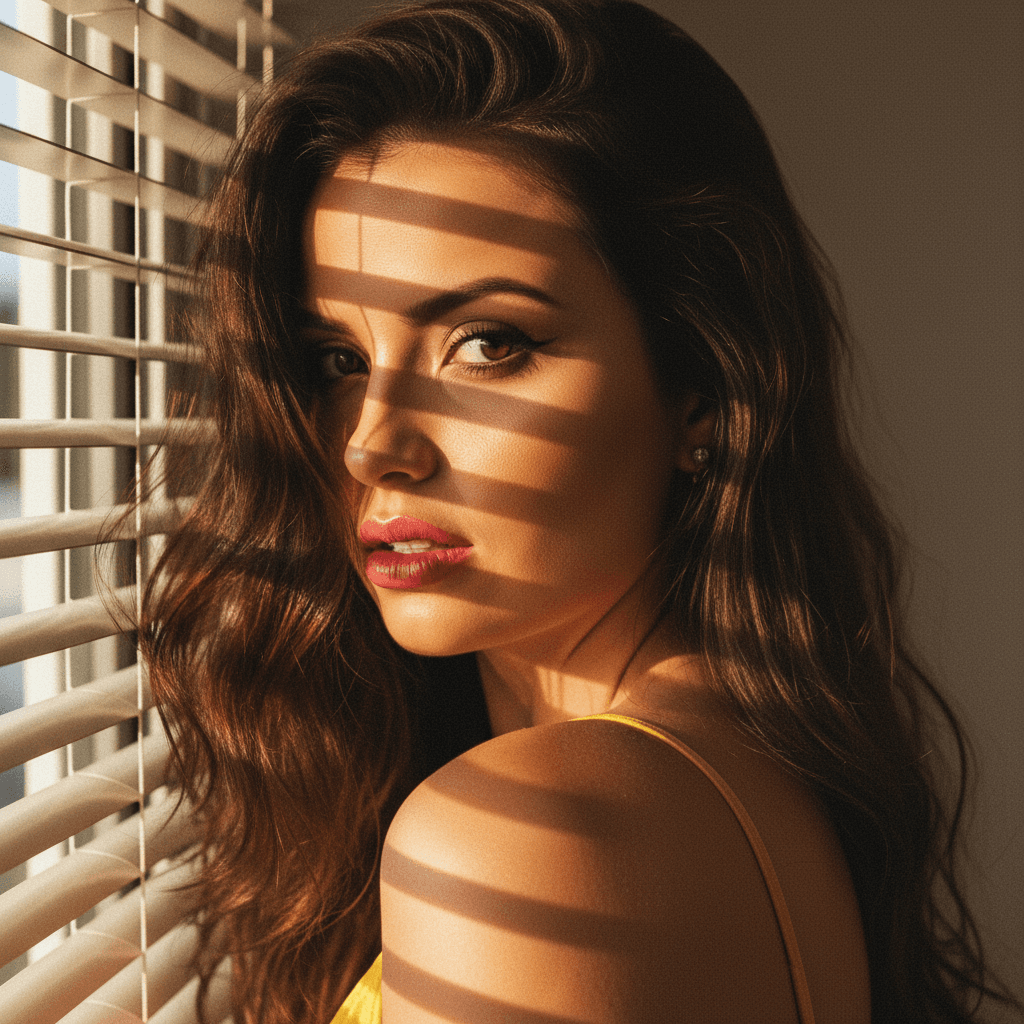
- Natural Light: Utilize soft, natural light to create a warm and inviting photo. Avoid harsh, direct sunlight as it can cause unflattering shadows.
- Simple Background: Keep the background uncluttered and distraction-free. A simple background keeps the focus on you.
Facial Expressions and Angle
- Genuine Smile: A positive expression can make you appear approachable and friendly. Practice different expressions to find the most sincere and professional look.
- Perfect Angle: Position the camera slightly above eye level. This angle often results in more flattering and engaging headshots.
Innovative Ideas for a Unique LinkedIn Appearance
Adopt a fresh approach to your LinkedIn profile picture with these innovative ideas:
Incorporate Elements of Your Industry
If you're in a particular niche, subtly reflect it in your photo. An architect might choose an office setting or a background that showcases some of their work. Remember, subtlety is key.
Color Psychology
- Color Coordination: Use colors that evoke confidence and clarity. Navy blue and gray are universally respected professional colors.
- Personal Branding: If you have a brand color, incorporate it into your attire or background to create a cohesive professional image.
Common Mistakes to Avoid
While a professional look is essential, many make the error of being too rigid or relaxed. Avoid these common pitfalls:
- Selfies: Avoid using selfies or casual photos for your LinkedIn profile. They tend to look informal and unprofessional.
- Group Photos: Ensure your profile picture is you alone. Group photos can be confusing and lack personal focus.
- Over-editing: While some editing can enhance a photo, be careful not to over-Photoshop, as authenticity appeals to professional contacts.
HeadshotUp: Revolutionize Your LinkedIn Photo
Struggling with achieving the perfect profile picture? HeadshotUp offers a seamless solution by transforming simple selfies into high-quality, professional headshots. Its state-of-the-art technology precisely edits lighting, sharpness, and background, ensuring you present your best self online without the need for professional studio visits. Whether you're a fresh graduate or a seasoned professional, HeadshotUp helps you cement a strong digital first impression.
Final Thoughts
Your LinkedIn profile picture is more than just a photo—it's a digital business card. By incorporating these actionable insights, you can significantly enhance your professional image on LinkedIn. Remember, when in doubt, HeadshotUp is there to make the process straightforward and efficient. Take control of your professional branding today by perfecting your LinkedIn headshot.
Ready to upgrade your professional image?
Join thousands of professionals using HeadshotUp.
Get Started for Free