
Leveraging Natural Lighting for LinkedIn Photos
A LinkedIn profile picture is more than just an image; it is a virtual handshake, often the first impression you make in the professional world. With over 760 million LinkedIn users, standing out is crucial, and one of the most effective ways to do so is through your profile picture. Natural lighting can enhance the quality and appeal of your headshot, making you appear approachable and professional.
Why Natural Lighting?
Natural lighting provides a soft, even spread of light that artificial sources often fail to replicate. Here are a few reasons why it is highly recommended for professional headshots:
- Soft Shadows: Natural light reduces harsh shadows, creating a smooth appearance.
- True Colors: Colors appear more vibrant and true to life, enhancing skin tones.
- Cost-Effective: Utilizing daylight means you won't need elaborate, costly lighting setups.
Best Practices for Natural Lighting
To take full advantage of natural light, consider the following tried-and-true strategies:
1. Golden Hour Magic
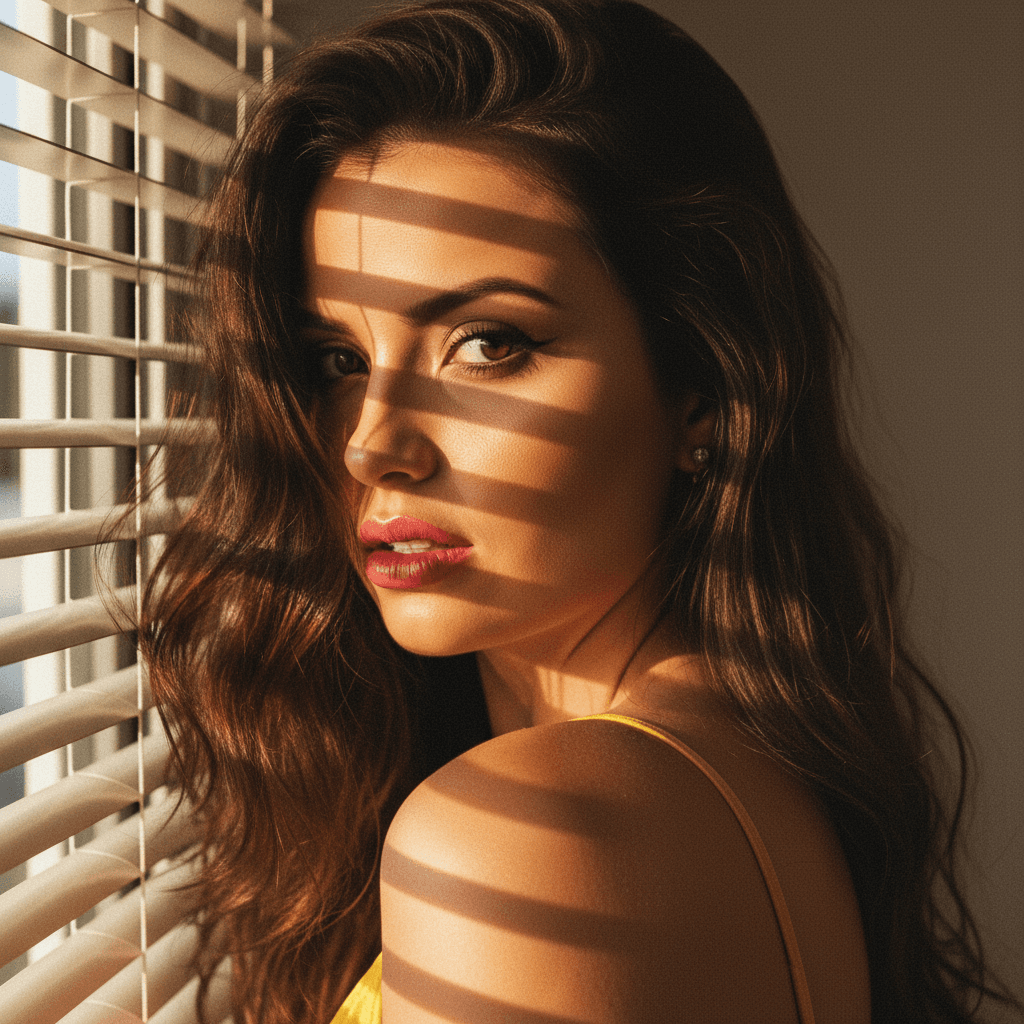
The golden hour, which occurs shortly after sunrise or before sunset, offers a warm, soft light. This time of day provides flattering tones and minimized shadows. Aim to schedule your photo session during these hours for the best results.
2. Use Indirect Light
Direct sunlight can be too harsh and create unwanted shadows and highlights. Instead, aim for indirect light. Positioning yourself near a window where light can bounce off walls creates a diffused, even glow.
3. Overcast Days are Your Friend
Cloudy days scatter light, producing even illumination with soft shadows. Don't shy away from capturing headshots on overcast days; they often yield optimal lighting conditions.
Setting Up for Success
1. Scout Your Location
Before snapping away, survey locations within your home or office. Identify spots where natural light flows in unobstructed, like near large windows or glass doors.
2. Background Considerations
A background should complement, not detract, from your profile picture. Opt for uncluttered, neutral backgrounds that allow your face and attire to stand out.
3. Dress the Part
Your attire plays a pivotal role in the overall impression of your photo. Choose clothing that contrasts nicely with your background and suits your industry. Avoid overly busy patterns that might distract the viewer.
Tips Beyond Lighting
While natural lighting is a vital element, other factors contribute significantly to a professional headshot:
- Posture: Maintain a relaxed yet confident posture. Avoid slouching or tense neck muscles.
- Facial Expression: A genuine smile or an approachable expression can convey warmth and confidence.
- Grooming: Ensure your hair and makeup (if applicable) are camera-ready. Pay attention to details that can enhance your polished appearance.
Crafting the Perfect LinkedIn Photo with HeadshotUp
Incorporating these insights can dramatically improve your LinkedIn profile picture, yet capturing the perfect shot is not always feasible, especially for those constantly on the go. This is where HeadshotUp can be your best ally. Our cutting-edge technology transforms selfies into professional-grade headshots effortlessly.
Whether you're a job seeker aiming to appeal to recruiters or a professional wanting to convey expertise and trust, HeadshotUp ensures that your LinkedIn profile picture meets the highest standards — with the added convenience of seamless usage anywhere, anytime.
Conclusion
A well-crafted LinkedIn profile picture, enhanced by natural lighting, communicates your professionalism and attention to detail. Implement these strategies, and consider leveraging HeadshotUp for instant headshot solutions. A picture says a thousand words, so make sure your LinkedIn photo speaks volumes in your favor.
Ready to upgrade your professional image?
Join thousands of professionals using HeadshotUp.
Get Started for Free